

Percy with Puppeteer Integration
Visual regression testing is a process of comparing the snapshots of the current execution with here successful execution that happened earlier. If there is a difference between the snapshots then the test will fail if both the snapshots are the same then the test will pass.
By comparing the visual screenshots you can find out the UI bugs.
Percy is a platform where the team can review the snapshots of the execution and approve them. Percy is a platform to collaborate with other team members for getting approvals for the snapshots of the execution.
Percy supports all the modern tools of the node.js platform
- Puppeteer
- Cypress IO
- WebdriverIO
- Protractor
Features of Percy
- Percy supports CI/CD tools like CircleCI, Jenkins, Gitlab, and others.
- Has free option up to 5000 snapshots
- Percy has Premium services
- You run code from any computer.
Integrate Percy with Puppeteer
To use Percy, we have to create an account in Percy and then we have to generate a token, Which we will supply during our execution.
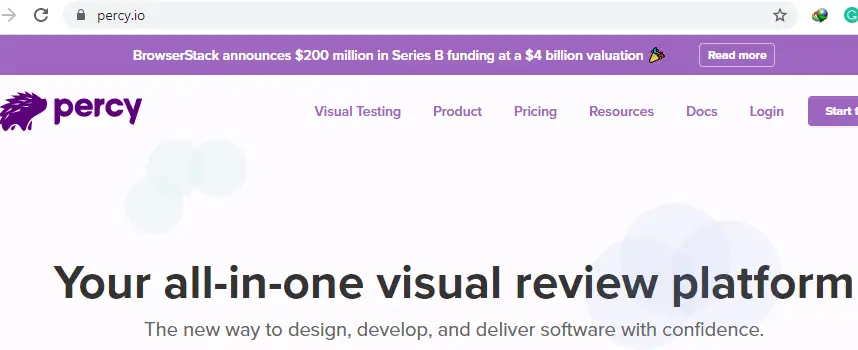
- Go to percy.io
- Click the start for free button and signup.

- Click the Signup with BrowserStack button under the signup tab
- Use the google account or your business account to Sign in
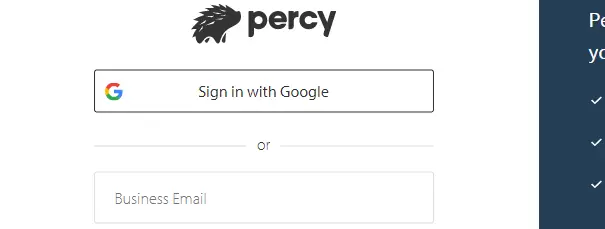
- Review Login details and SignUp.
- Once you are on the Home page click on the Create New Project button.
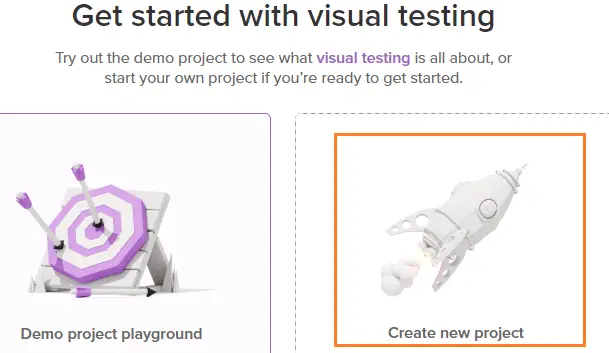
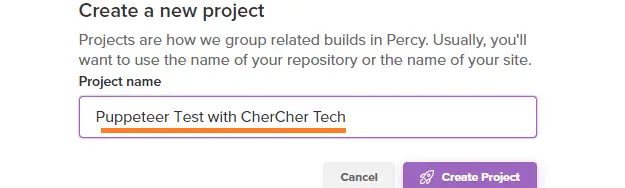
- Enter Project Name
- Scroll down to the bottom of the screen to get the token for the project.
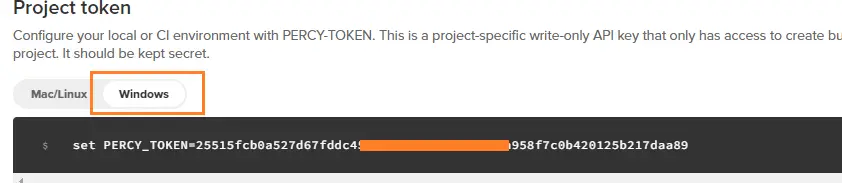
- Copy-paste the above in the command prompt

- Install the Percy package in the project folder
npm install --save-dev @percy/cli @percy/puppeteer
const puppeteer = require('puppeteer');
const percySnapshot = require('@percy/puppeteer');
(async () => {
  const browser = await puppeteer.launch();
  const page = await browser.newPage();
  await page.goto('http://example.com/', { waitUntil: 'networkidle2' });
  await percySnapshot(page, 'Example Site');
  await browser.close();
})();
To run the code using the below command.
percy exec -- node script.jsYou can check the Percy website for the snapshot.
Recommended Readings
I am Pavankumar, Having 8.5 years of experience currently working in Video/Live Analytics project.
