

Introduction To Jira
Jira is an Agile software project management tool, it is popularly known for bug tracking and issue tracking, by using one single Jira tool we can do so many things like Managing, Tracking, and planning all the agile projects 
The advantages of Jira are as follow:
- Bug Tracking : Whenever a QA is testing any applications and if he finds any issues, he can log the defect in Jira and assign it to developers, and then developers resolve these bugs and hand over it to QA.
These processes cannot be done through emails because in a product there can be a lot of bugs and these bugs cannot be solved in a distributed and in a large team, and hence we need a bug tracking tool where Jira is the best bug tracking tool.
The other bug tracking tools are :
- Trac
- Redmine: it is a web-based open source bug tracking project management tool.
- OTRS
- Mantis BT
- Bugzilla
- Fossil...etc.
- Issue Tracking : The issue can be anything during the start of the project, what has been allocated to each team member, The task which is assigned to the developers is also known as an issue.
- Project Management : Project management involves various cases of requirement, releases and can be anything which is related to the project like how many bugs were raised and how many bugs were closed in a month, and all these things can be done through a portal called Jira
- Requirement Management: there is a Jira confluence software which has been developed by Atlassian company and it has been integrated into the Jira, this Jira confluence will perform Requirement management very well.
- Help Desk : Like other bpo and kpo Jira is also providing us with customer service through a Jira portal, whenever we are having an issue we can call the customer care and resolve your issues.
- In a simple way, Jira lets you prioritize, assign, track, report, and audit your issues from software bugs and helpdesk tickets to project tasks and then change requests.
- More than just an issue tracker, Jira is an extensible platform that you can customize to match your business process
Popularity of Jira
Because of the unique characteristics of Jira, it has become more popular than other software tools
Customized Issues: Jira can be customized easily according to our needs.
Reports: Jira can create a report of any project within a fraction, we can track reports and can create any type of charts using the Jira.
Notification: Jira provides us very strong notifications, you will start receiving instantaneous emails and notify you about the issues immediately.
Powerful Search: Jira Provides us with a powerful search for creating the reports.
Secure: Jira is secure in its own way and many big companies are using it.
Track: We can easily track the issues and reports in Jira.
Extensible: Jira provides us with hundreds of plugins hence it is extensible.
Open Source: Jira is licensed open-source software.
Installation of Jira on Windows
- Navigate to https://www.atlassian.com/software/jira/download
- Select the windows configuration according to your need and click on the download button.
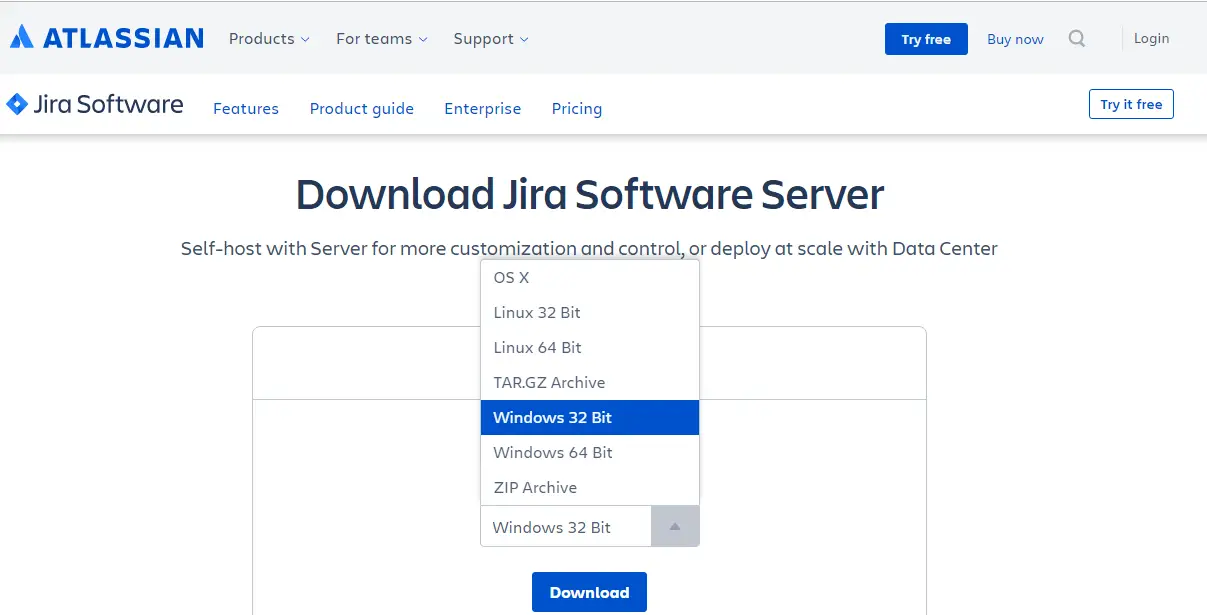
- Read all the license agreement, click on I agree to the Atlassian software license agreement, and select Get started.
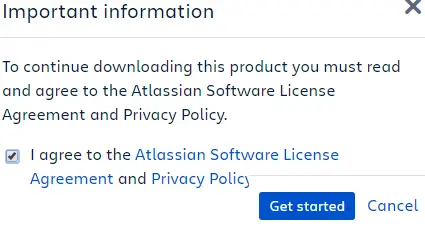
- Once your download starts, you can find the installer in the download folder.

- In my system, it got downloaded into the Download folder
- Once you have completed Downloading open the file and click on Run.
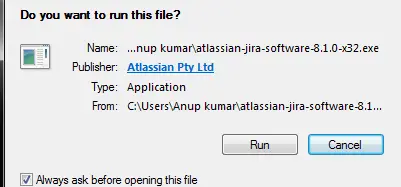
- Now the Jira will start Installing the Software, once it is completed click on Next.
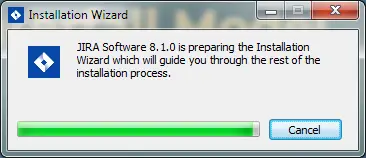
- Jira will start installing software to the OS, click on Next to continue.

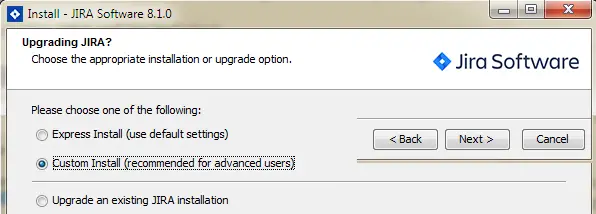
- Choose the appropriate installation or upgrade option, here I selected Custom Install and click Next.
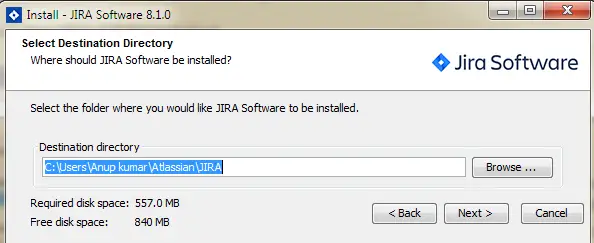
- Select the Destination Directory, where should Jira software be installed, and click Next.
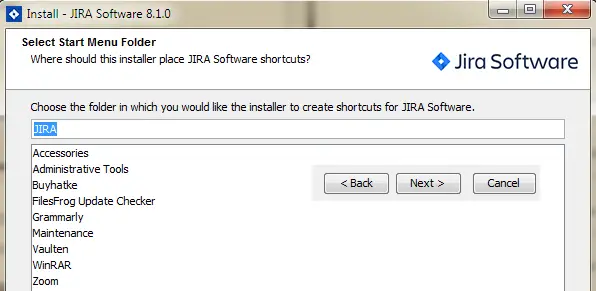
- Select the start menu bar for Jira software to create a shortcut and click Next.
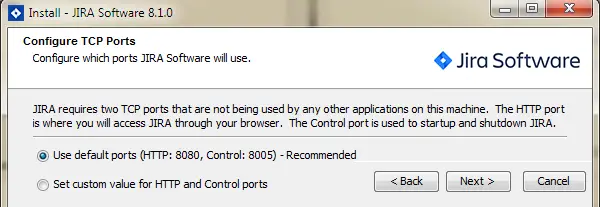
- Select the TCP ports to configure which ports Jira software will use, here I selected the recommended one as Default ports and then click Next.
- Now Jira will start extracting the file.
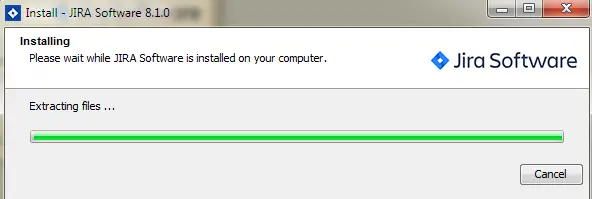
- Now Jira will start installing software, once it is done click on Next.
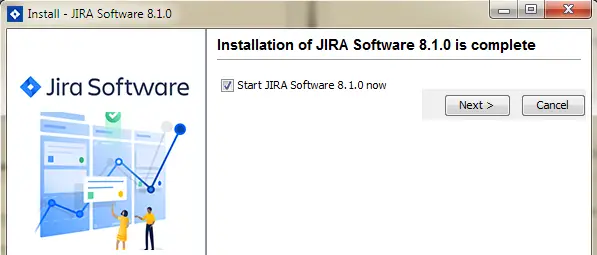
- Jira software has been installed on the windows, we can launch it on the browser by clicking on the Finish.
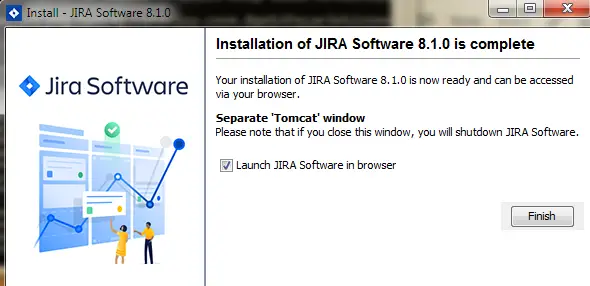
- Now the Jira has installed in your operating system.
Creating a Jira Account
Let us see how to create a Jira account and how to import the Jira project to work with the sample projects.
Navigate to https://www.atlassian.com/software/jira
Now the Atlassian main page will open 
Clicking on the product tab will take you to a page where all the Atlassian products are listed, select the Jira software.
On the jira page, you can find a free trial for seven days, so we are going to proceed with that.

Enter the credentials and we can create our own URL for this site and then click on sign up
Jira will send an email to the corresponding email address to verify, log in to your email id and click on the verify me.
Once you are done with the verification Jira will ask you some questions, you can skip and move forward.
Jira will ask you to choose the classic template to create a project, here I selected scrum first 
Provide a project name to create your own project.
If you have created your sample project successfully then you can find the page as below.
Project page:
Default Dashboard : 
In case if you want to create another project with different templates like Kanban or any other just follow the below steps:
Click on the current project name on the left upside corner and select Create Project.

Select change the template and then select the Kanban 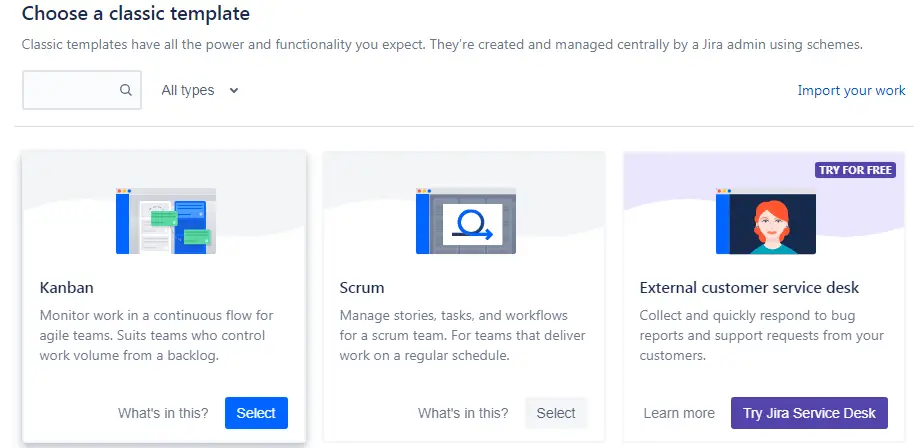
Create a kanban sample project
Now you can see a kanban board as follow
If you open view all board, you can see KSP and SSP board
