


Tags
Create a tag
git tag -a v1.0.0 -m "Version 1.0.0"
Insert a tag in a specific commit
git tag -a v0.1.0 43809d4 -m 'Alpha Version'
See all Tags
git tag
See the tag message
git show v1.0.0
Delete a tag
git tag -d v0.1.0
Stash
Creation
git stash
Get the list
git stash list
Github
 Once we create a repository, we can add it to the remote server:
git remote add origin yourRepo.git
See the remote sources of our repository:
git remove -v
Once we have all our commits done and we have added the remote repository we can upload our files to Github:
Push:
git push -u origin master
But, as you can see, the tags are not uploaded with the `git push` command:
 Push the tags
git push --tags
Ignore Files
For this, you must create a .gitignore files, and there you can write the files and foulders that you dont want to upload to the github repository like:
node_modules
package-lock.json
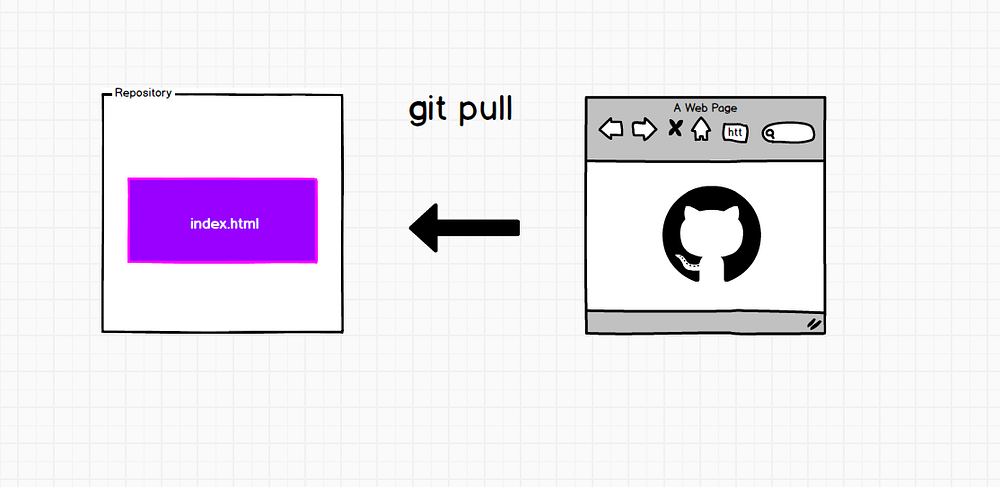
Pull
git pull
 Clone a Repository
git clone repoUrl.git
Clone a repository in a specific folder
git clone repoUrl.git my-folder
Recommended Reading
Comment / Suggestion Section
Point our Mistakes and Post Your Suggestions